MetaTrader 4
A potência original do trading
Combinamos a plataforma de trading mais popular do mundo com nossos preços e execução líderes de mercado para uma experiência de trading inigualável. Experimente o MT4 como ele deve ser: custos baixos e acesso ao mercado global. Somos favoráveis a Expert Advisors, HFT e scalpers! Com taxas de preenchimento superiores a 90% e velocidades de execução a partir de 10ms, você pode elevar o nível das suas operações.
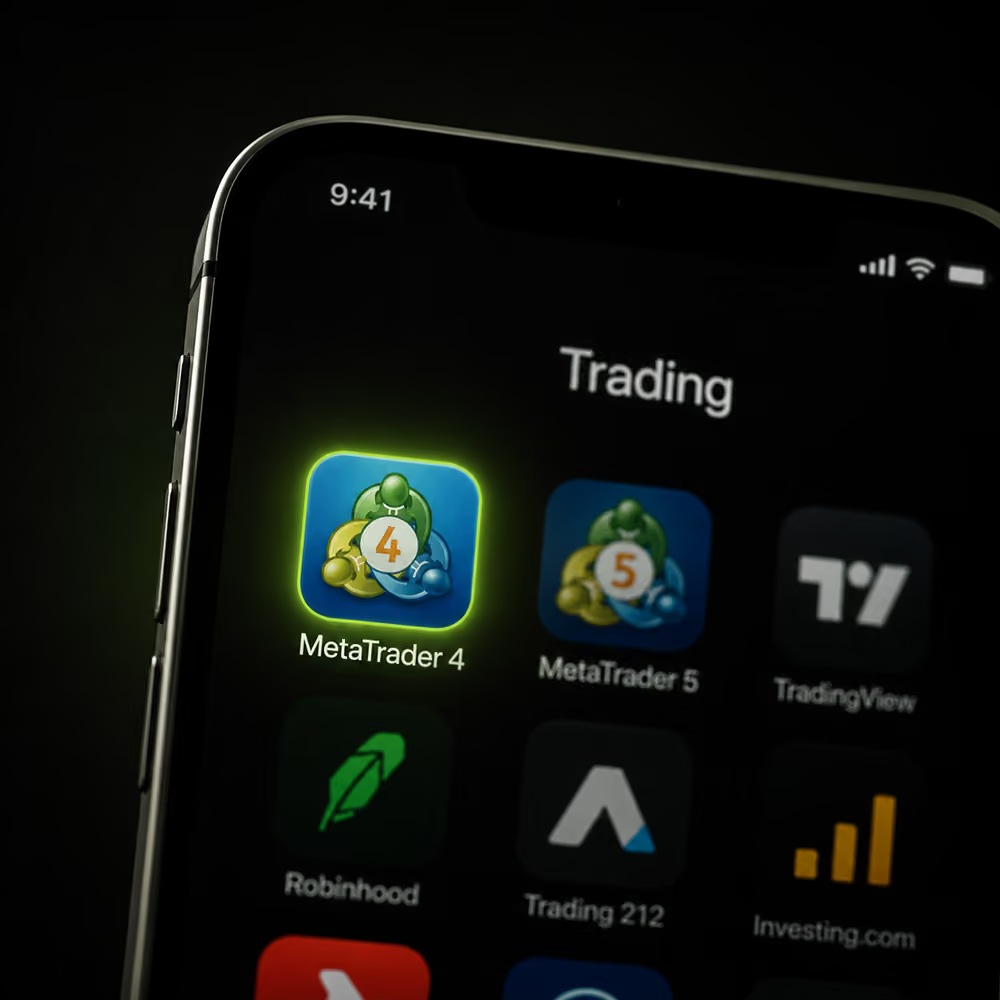
Acesse o MetaTrader 4 de qualquer lugar
Por que escolher o MetaTrader 4 como sua plataforma?
O MT4 é, de longe, a plataforma de trading mais popular para traders de forex. Por quê? Ela pode ser tão simples ou tão complexa quanto você desejar. Isso a tornou atraente tanto para traders manuais que preferem o "clique" quanto para traders automatizados sofisticados.
Simples e Fácil de Usar
Transfira, inicie sessão e negoceie na plataforma de negociação mais intuitiva do mundo. Aceda a partir de computador, web, telemóvel, tablet e Mac.
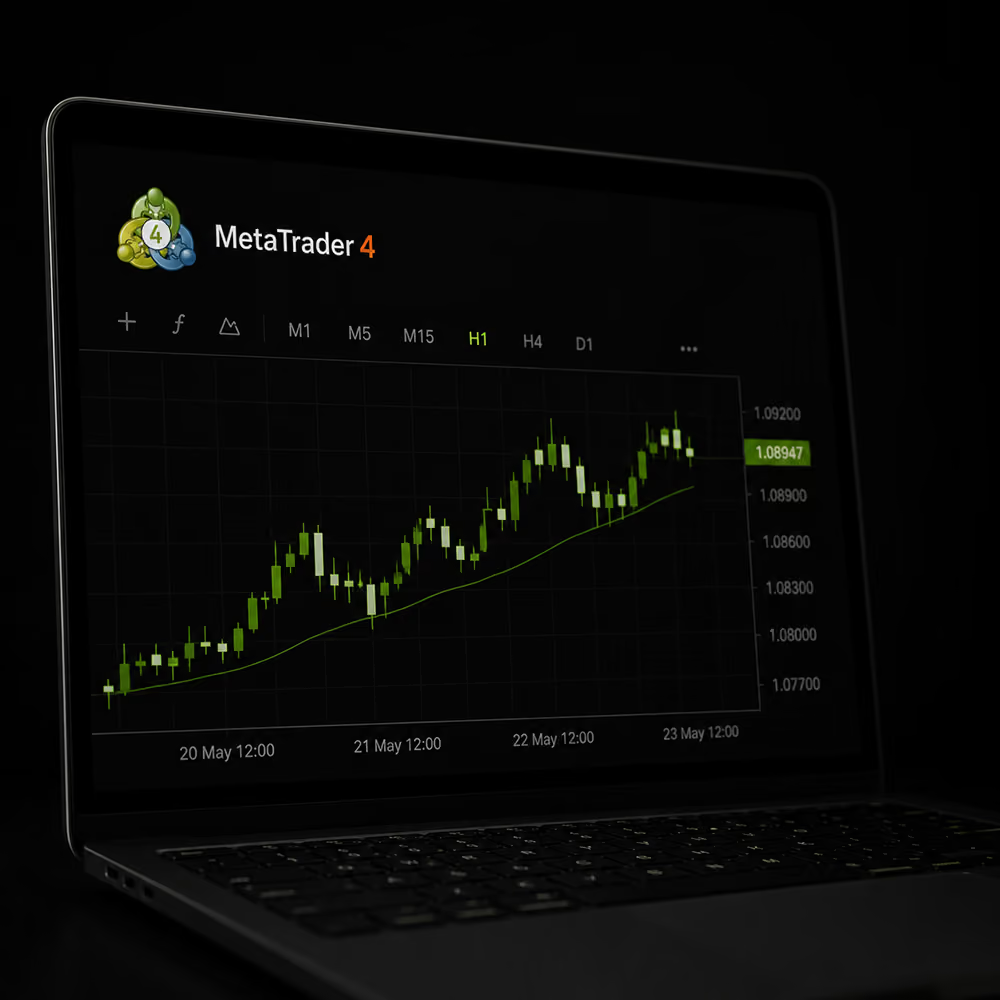
Totalmente Personalizável
Personalize a sua experiência de negociação com controlo total sobre os seus gráficos ou crie perfis e modelos utilizando os seus indicadores e sistemas de negociação personalizados da loja MQL5.com.
Negociação Automatizada
Crie os seus próprios sistemas ou adquira-os na loja MQL5.com antes de realizar o backtest e otimizar as suas estratégias, diretamente a partir do MT4.
*VPS gratuito com latência inferior a 10ms para os nossos servidores de negociação disponível. (*Mínimo de 20 lotes negociados/mês) apenas para clientes AU Pro.

Perguntas frequentes


Negocie Mercados Globais de CFD
Negocie mais de 250 instrumentos de todo o mundo.

Pronto para começar a negociar?
Conte com a corretora nº 1 em avaliação*

Financie a sua conta com mais de 20 métodos de depósito instantâneo. AUD, CAD, EUR, GBP, JPY, SGD ou USD - poupe nas conversões!





Começar a negociar
Contas de negociação
Mercados de CFD
Condições de negociação
Ferramentas de Trading


A negociação de derivativos acarreta um alto nível de risco para o seu capital e você só deve negociar com dinheiro que possa perder. Qualquer informação ou conselho contido neste site é de natureza geral e foi preparado sem levar em conta os seus objetivos, situação financeira ou necessidades. O desempenho passado de qualquer produto descrito neste site não é um indicador confiável de desempenho futuro. Você deve considerar se faz parte do nosso mercado-alvo analisando a nossa Determinação de Mercado-Alvo, e ler o nosso PDS e outros documentos legais para garantir que compreende totalmente os riscos antes de tomar qualquer decisão de negociação. Recomendamos que procure aconselhamento independente, se necessário. A Global Prime não pode aceitar clientes do Afeganistão, Congo, Irão, Iraque, Myanmar, Nova Zelândia, Coreia do Norte, Palestina, Rússia, Somália, Sudão, Síria, Ucrânia, Ontário, Iémen, Japão ou dos Estados Unidos ou seus territórios. As informações neste site não pretendem ser um incentivo, oferta ou solicitação a qualquer pessoa em qualquer país ou jurisdição onde tal distribuição ou uso seja contrário à lei ou regulamentação local. A Gleneagle Securities Pty Limited, operando como Global Prime FX, é uma empresa registrada em Vanuatu (Número de Empresa 40256) e é regulada pela VFSC. O site é de propriedade e operado pela FMGP Trading Group Pty Ltd, ABN 74 146 086 017.
© Copyright year FMGP Trading Group Pty Ltd Level 10, 627 Chapel St, South Yarra 3141 Austrália. Todas as marcas comerciais, marcas de serviço, nomes comerciais, nomes de produtos e logotipos que aparecem no site são propriedade dos seus respectivos titulares.
*Com base numa pesquisa de maio de 2025 realizada pelo forexpeacearmy.com entre corretoras com pelo menos 100 avaliações. Encontre mais informações sobre classificações e avaliações aqui.
^Premiada como “Best Execution Broker 2025” pela TradeProofer pela execução de negociações, transparência e serviço focado no cliente inigualáveis.
Esta página foi traduzida do inglês para o português por meio de inteligência artificial (IA). Embora tomemos as medidas necessárias para garantir a exatidão da tradução, podem ocorrer erros ou omissões. Em caso de divergência entre esta tradução e a versão em inglês, prevalecerá esta última. Para consultar a versão oficial, acesse os Termos e Condições em inglês do nosso site principal.